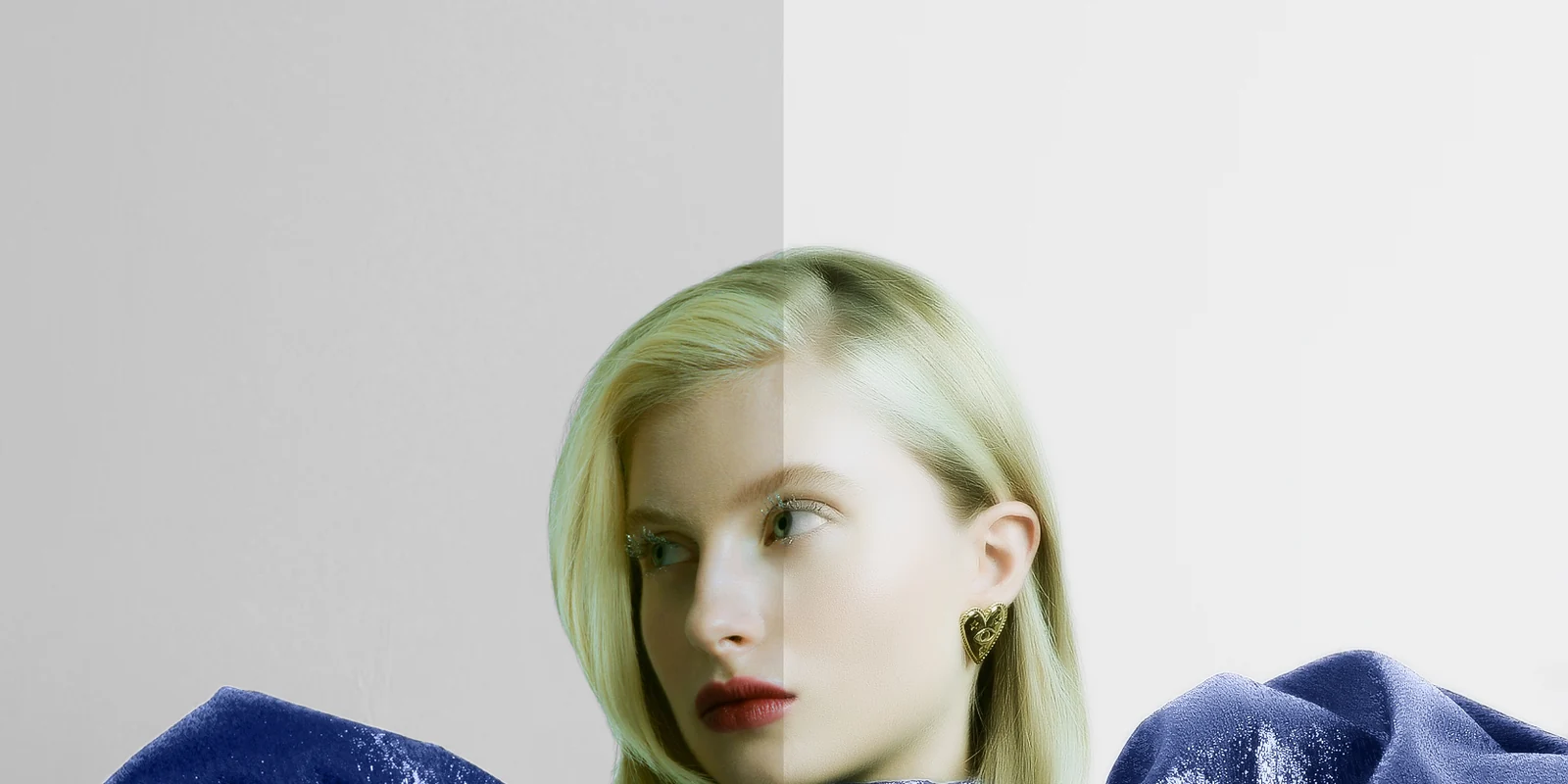
Which tasks tend to suit automation
- Straightforward background removal on a clean, evenly lit shot
- Batch colour or exposure matching across a large set of similar images
- Basic noise reduction or sharpening as a first-pass step
- Simple crop, straighten and lens-correction work
- Rough masking that a person will refine afterwards
Where human visual judgement still matters
Some decisions are hard to reduce to a rule, because the right answer depends on the specific image, not a general pattern. A few examples:
- Deciding how much skin texture to keep so a portrait still looks like skin, not plastic
- Judging whether a shape or proportion correction still looks like the same person or product
- Matching colour and mood to a creative brief rather than a technically “correct” average
- Handling fine detail that automated tools tend to smear or duplicate, such as flyaway hair, jewellery, fabric texture or reflections
- Spotting when a correction looks technically fine in isolation but breaks consistency across a set
How to review AI-assisted results
Treating an automated pass as a first draft, not a finished file, is usually the safer approach. A short review pass can include:
- Zooming in on edges, hair, jewellery and fabric, where automated tools are most likely to leave artefacts
- Comparing the result against the brief and any reference images
- Checking the image next to the rest of its set for consistency in colour, tone and finishing
- Looking for tell-tale AI artefacts such as warping, texture smearing, duplicated detail or colour banding
- Stepping back and looking at the image fresh, away from the zoomed-in view used while editing
A general scenario
Take a shoot with a hundred similar product images that all need the same background removed and the same rough colour correction. Running that first pass through an automated tool can save a real amount of time, since the task is repetitive and the correction is roughly the same across the set. The part that still benefits from a person is the pass after that: checking that reflections, shadows and edges look right on every image, that colour still matches across the batch under normal viewing conditions, and that nothing in the automated pass has quietly broken consistency on a handful of images buried in the middle of the set.
Combining tools responsibly
A dependable workflow usually treats AI tools as one stage in the process, not the whole process. Automated tools can take on repetitive or exploratory work, while a person applies a final review and finishing pass on anything that will be delivered to a client. Keeping a consistent style reference for the project, and not skipping the review step just because a tool worked quickly, helps keep the AI-versus-human question from turning into an either/or decision. The tools are likely to keep improving, but the responsibility for what actually gets delivered stays with the person signing off on the final image.
Takeaway
AI tools are genuinely useful for speed on repetitive tasks, but the judgement calls that define a finished, professional image — texture, proportion, mood and consistency — are still best made, or at least checked, by a person.
To see where judgement makes the difference, compare the before-and-after examples in the Portfolio. New clients can also send up to two images for a complimentary test edit.